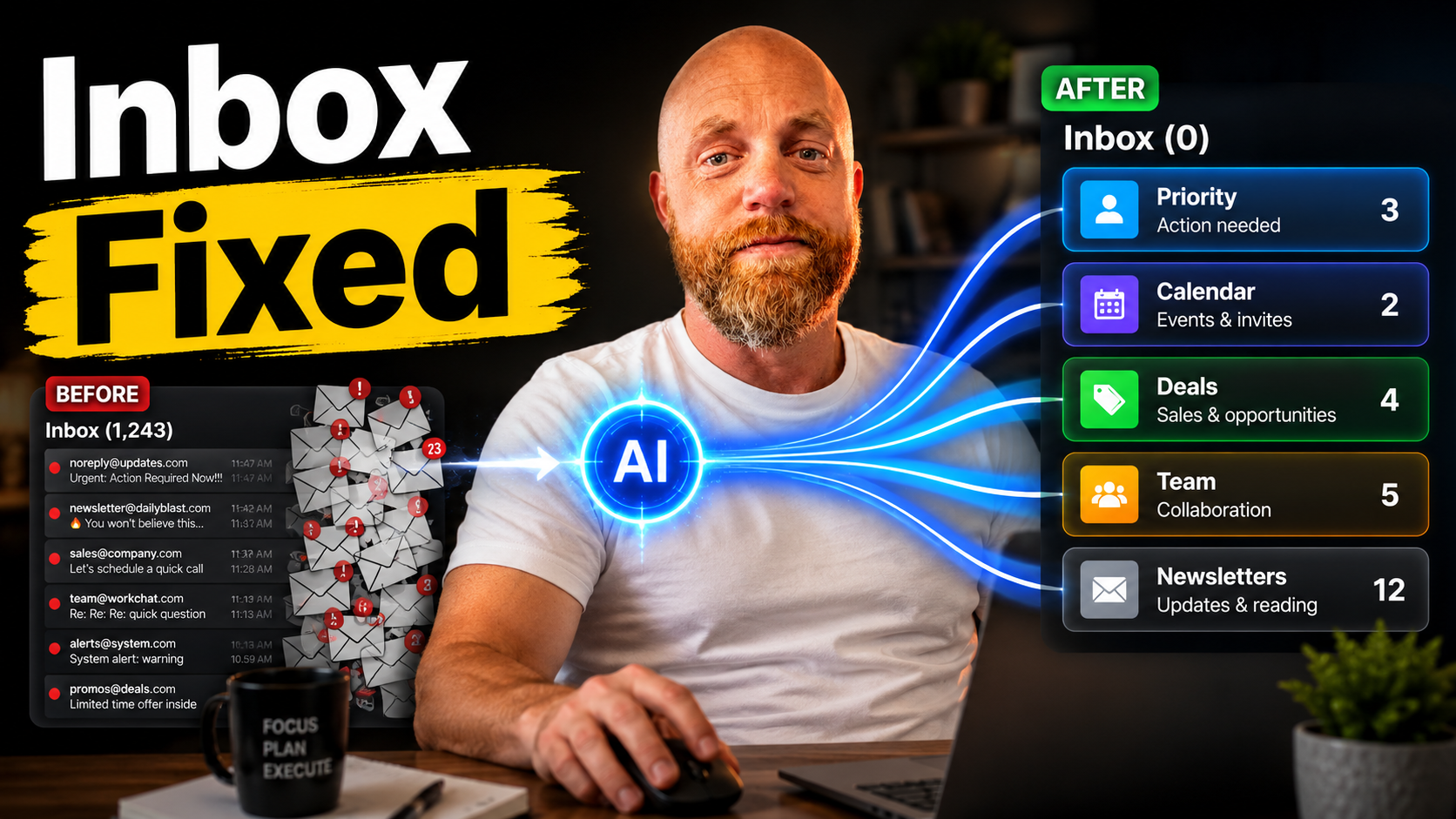
Your Inbox Just Got 95% Smarter: The AI Triage Rules That Cut Email Time From 2 Hours to 10 Minutes
Small business owners spend over 2 hours daily on email, which adds up to nearly 11 hours a week. That's almost 30% of your entire workweek disappearing into the digital equivalent of sorting mail.
Every morning, you open your email to 63 new messages. Somewhere in that pile is a hot lead, a vendor invoice that's overdue, and a meeting reschedule that conflicts with your afternoon. You start scrolling, deciding which fires need immediate attention.
Email triage tools can cut this time down to just 5–10 minutes a day by automating sorting, prioritizing urgent messages, and reducing decision fatigue. The technology exists. The question is which tools actually work and how to set them up without breaking your current workflow.
The Real Cost of Manual Email Sorting
The average office worker receives 121 emails per day and sends 40, according to cloudHQ's 2025 Workplace Email Statistics. However, SaneBox's 2025 analysis found that only 24% of those emails are actually important.
That means you're spending cognitive energy on 88 emails that don't require action. Every email interruption costs an average of 23 minutes in lost concentration. By the time you refocus, another message has arrived.
David K., a Sales Director, shared his experience: Switched from manual sorting to AI triage. My morning inbox processing dropped from 45 minutes to 8 minutes.
AI Triage Rules That Actually Work
SaneBox: The Reliable Filter ($7-$36/month)
SaneBox starts at $7/month (Snack) for one email account and goes up to $36/month (Dinner) for four accounts with all features. It learns your email patterns and automatically sorts messages into folders.
SaneLater is the flagship feature: SaneBox learns which senders you regularly engage with quickly versus which ones you rarely open, and routes the latter to SaneLater for review on your own schedule.
The setup is simple. Connect your Gmail or Outlook account, and SaneBox creates smart folders. Marketing emails go to @SaneLater, newsletters to @SaneNews, and CC emails to @SaneCC. SaneBlackHole lets you drag a sender to a folder and never see messages from them again — a particularly effective unsubscribe mechanism.
One gotcha: When your email problem isn't sorting, it's handling. Filtering reduces the number of emails in your main inbox. It doesn't reduce the time required to respond to them, extract action items from them, or manage the follow-up work they generate.
Superhuman: Speed Over Intelligence ($33/month)
By 2026, it has redefined productivity by using advanced reasoning to save every team member up to four hours per week. The Business tier ($33/mo) is required for Superhuman Mail — Pro ($12/mo) only includes Go and Grammarly.
Features include Auto-Summarize, which provides a dynamic one-line brief above every conversation, and Instant Reply, a tool that automatically drafts context-aware responses for every incoming email.
The follow-up drafts handle what you'd be paying an assistant to do, since Superhuman Mail automatically detects any email that needs a follow-up and automatically writes the email (all you need to do is hit send). About 90% of the time it's ready to send as-is. The other 10%, you change one line and send anyway.
The tradeoff: Superhuman replaces your email client entirely. You're not adding triage to your existing setup — you're switching to a new interface.
Alfred: Complete Inbox Automation ($24.99/month)
alfred_ ($24.99/month) is the best. It's the only tool that closes the full triage loop: autonomous sorting, draft replies, task extraction, and a Daily Brief each morning.
Unlike filtering tools, Alfred reads each email, understands context, and takes action. It drafts replies in your voice, extracts tasks with deadlines, and manages calendar conflicts. Rather than sorting your inbox into folders and leaving the work to you, alfred_ reads each message, understands its context, and takes action: triaging by priority, drafting replies in your voice, extracting tasks and deadlines, and managing calendar interactions — all autonomously.
The Microsoft 365 Alternative
If you're already paying for Microsoft 365, you have triage options built in. Copilot Prioritize My Inbox requires a per-user Copilot licence at £16.10 each. Power Automate email triage needs only one Premium licence at £11.60 for shared mailbox flows.
If your goal is triaging a shared mailbox like info@yourfirm.co.uk, one Power Automate Premium licence at £11.60 per month is enough. The flow runs against the shared mailbox and routes emails for the entire team.
One caveat: Microsoft introduced the feature for Outlook on iOS and Android in mid-2025 but removed it in February 2026 following user feedback and cost considerations. It currently works in new Outlook for Windows and Outlook on the Web only.
The Setup That Actually Sticks
Most AI triage implementations fail because business owners try to automate everything at once. Start with one tool and one specific pain point.
Week 1: Connect your chosen tool to one email account. Let it learn your patterns without changing your current workflow.
Week 2: Review the automated sorting. These tools achieve an AI classification accuracy of 95–98% within two weeks, far outperforming the 80–90% accuracy of manual sorting. Adjust rules for any misclassified emails.
Week 3: Enable auto-drafting for simple responses like meeting confirmations and follow-ups. Keep auto-send disabled until you trust the output.
Week 4: Add task extraction or calendar integration, depending on your tool's capabilities.
AI-powered email triage tools can drastically cut this down, reducing inbox sorting from 40–60 minutes a day to just 5–10 minutes. But only if you resist the urge to micromanage every automated decision.
When AI Triage Breaks (And How to Fix It)
The most common failure mode is category drift. After six months, your AI starts putting client emails in the newsletter folder or routing urgent requests to a deferred queue.
This happens when your email patterns change but your rules don't adapt. Schedule monthly rule reviews. You should always include a default branch that sends unclassified or uncertain emails to a person for manual review.
Another gotcha: team implementation. SaneBox is priced per user. If two people in your household or office need email filtering, you're paying $7–$36 per person separately. There is no family plan or team pricing with shared billing.
For shared inboxes (sales@, support@), Power Automate or Shortwave's team features are more cost-effective than per-user licenses.
The 10-Minute Daily Email Routine
With proper AI triage, your email routine shrinks to:
Minutes 1-2: Review high-priority folder (5-8 messages maximum) Minutes 3-5: Approve or edit AI-drafted replies Minutes 6-8: Process calendar conflicts and task extractions Minutes 9-10: Quick scan of deferred items for anything mis-categorized
That's it. The 50+ marketing emails, 20+ newsletters, and 15+ CC messages that used to consume your morning are automatically handled.
AI triage rules work because they eliminate decisions, not just emails. By automating over 100 daily decisions about email priorities, triage tools free up mental energy for high-value tasks that actually grow your business.
The tools exist. The accuracy rates are proven. The only question is whether you'll implement a system or keep manually sorting through 121 emails a day, hoping to find the important ones before they become urgent ones.
Need help setting up AI triage rules that actually work for your specific business workflow? Let's figure out which approach fits your setup.