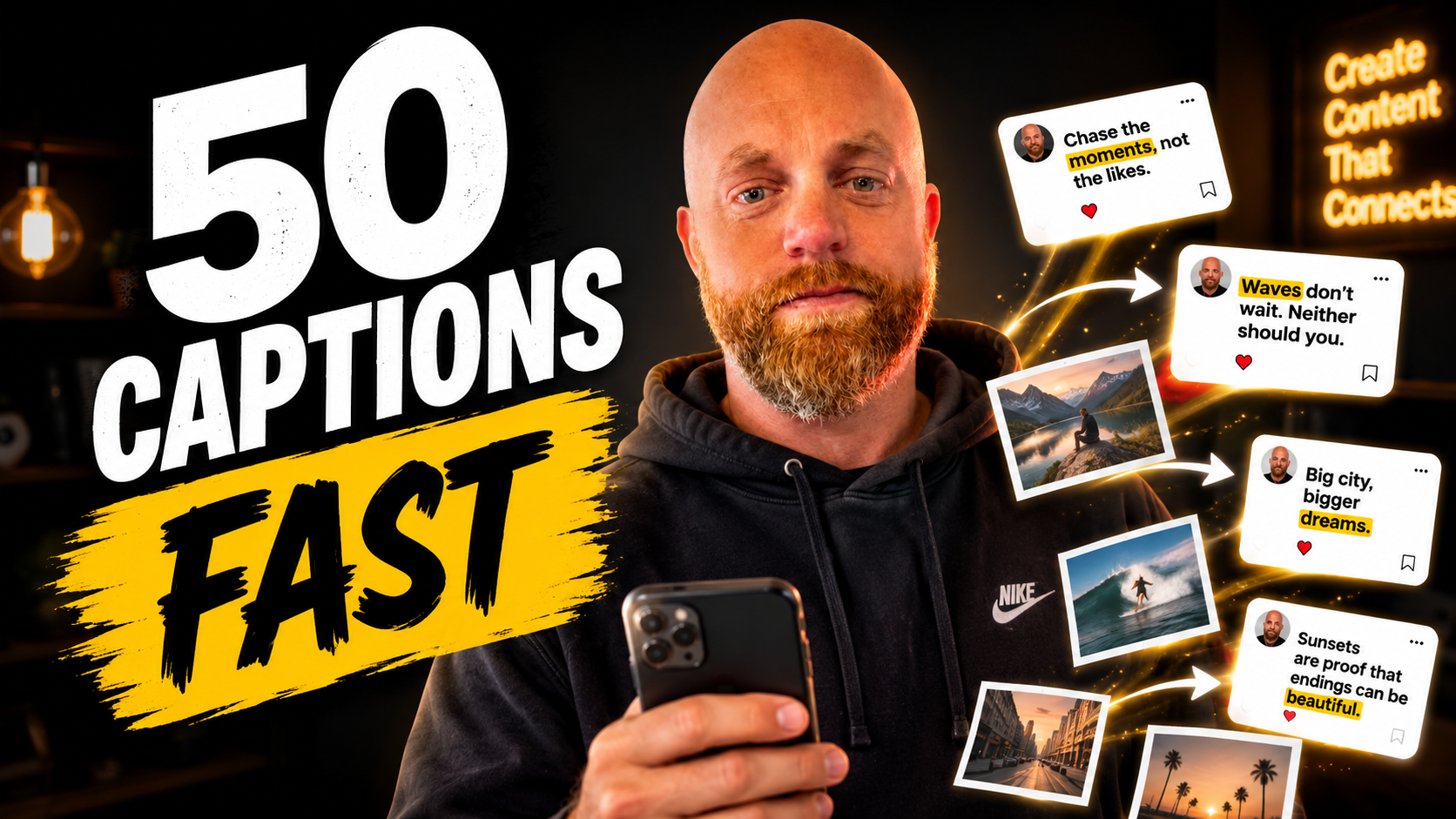
Your Photo Dump Just Became 50 Captions in 10 Seconds (The AI Workflow That Cuts Content Creation From Hours to Minutes)
Your camera roll tells the story. Forty-seven photos from last weekend's restaurant visit. Twelve shots of the same product from different angles. Eight variations of your team meeting that you swore you'd turn into LinkedIn content.
Every small business owner has the same problem. You take great photos but writing captions sucks the life out of you. One caption takes fifteen minutes of staring at a blank screen. Multiply that by your weekly posting schedule and you've just burned four hours on something that should take minutes.
The math is brutal. Brands post an average of 5 posts per week on Instagram and TikTok. That's 260 captions per year. At fifteen minutes each, you're spending 65 hours annually just writing captions. That's almost two work weeks.
Here's the workflow that cuts that time to minutes.
The Bulk Caption System That Actually Works
Forget the caption generators that ask you to describe each photo individually. The real efficiency comes from feeding your entire photo dump into a system that understands context and creates variations automatically.
Posts with optimized captions get 2x more engagement than those without, so you can't skip this step. But you can automate it.
PostEverywhere: The Upload-and-Generate Approach
PostEverywhere's AI content generator creates platform-ready captions, images, and video from text prompts. Describe what you want, and the AI produces content tailored to each platform's tone and format.
What makes this different is the bulk capability. PostEverywhere offers genuinely unlimited CSV imports on Growth and Pro plans, with AI caption rewriting inside the bulk editor so you can upload one row and generate platform-specific variants.
Pricing: $19/month (Starter), $39/month (Growth), $79/month (Pro).
Real workflow: Upload 20 restaurant photos with basic descriptions. Get back 60 captions optimized for Instagram, Facebook, and LinkedIn. Time investment: 3 minutes.
Jasper: The Brand Voice Specialist
Jasper offers brand voice and style guides where you can train the AI on your tone, terminology, and messaging, plus campaign workflows to create multi-post campaigns across platforms.
The killer feature is repurposing. By giving information from blog posts, social media posts from other platforms or email newsletters, Jasper can repurpose it for Instagram captions.
You feed it your last newsletter, and it creates 12 social posts from the content. Your photo dump becomes secondary. The captions write themselves from content you already created.
Pricing: $99 per month for 50 blog credits (includes social caption generation).
Copy.ai: The Context-Aware Generator
Copy.ai's Instagram caption generator analyzes your photo context and creates captions that complement your visual content rather than simply describing it. The tool creates context-aware captions that reference visual elements in your photos.
The advantage is accuracy. Instead of generic food captions, you get captions that mention the specific dish, the lighting in your photo, even the mood your image conveys.
You can generate captions in different lengths, from short punchy statements to longer narrative posts. The system learns from your feedback and edits, improving future caption suggestions based on which styles you prefer.
Pricing: Free plan available, paid plans start around $36/month.
The Actual Workflow (10 Seconds Per Photo)
-
Batch your photos by category. Restaurant shots together. Product photos together. Behind-the-scenes content together.
-
Upload to your chosen tool with one-line descriptions. "Italian dinner with team" covers eight photos. "New product launch setup" covers twelve.
-
Generate platform-specific variations. One upload creates Instagram captions with hashtags, LinkedIn posts without emojis, Facebook captions with longer storytelling.
-
Edit in bulk. Most tools let you approve, reject, or modify multiple captions at once.
-
Schedule directly or export to your scheduler. After CSV import, posts appear in the regular calendar where you can edit captions, swap images, reschedule, or delete them individually.
Total time for 20 photos across three platforms: 4 minutes of setup, 6 minutes of review and scheduling.
What Goes Wrong (And How to Fix It)
The most common failure is treating AI caption generators like magic. They're not. They're pattern matching machines that get better with better inputs.
Garbage in, garbage out. "Food pic" generates generic captions. "Handmade pasta workshop with local chef Maria, showing traditional techniques" generates captions that sell.
Platform blindness. The same caption posted to Instagram, LinkedIn, and Facebook signals you're not paying attention. Good tools adapt automatically. Cheap tools don't.
Brand voice drift. After generating 100 captions, they all start sounding the same. The fix is feeding the AI examples of your best-performing posts so it learns your actual voice, not its default corporate speak.
The Numbers That Matter
A recent study found that over 40% of social media marketers are using AI to write captions. Early adopters are seeing results.
On every platform studied, creators who reply to comments do better than creators who don't. It's the simplest possible version of what social media was supposed to be: people talking to the people who talk to them.
The AI handles the first draft. You handle the conversation.
Time saved per week: 3.5 hours. Time gained for actual customer interaction: priceless.
Your photo dump was always good content. Now you have good captions to match. The next forty-seven photos you take won't sit in your camera roll for months while you figure out what to write about them.
Want to see which caption workflow fits your posting schedule? Let me walk you through the setup.