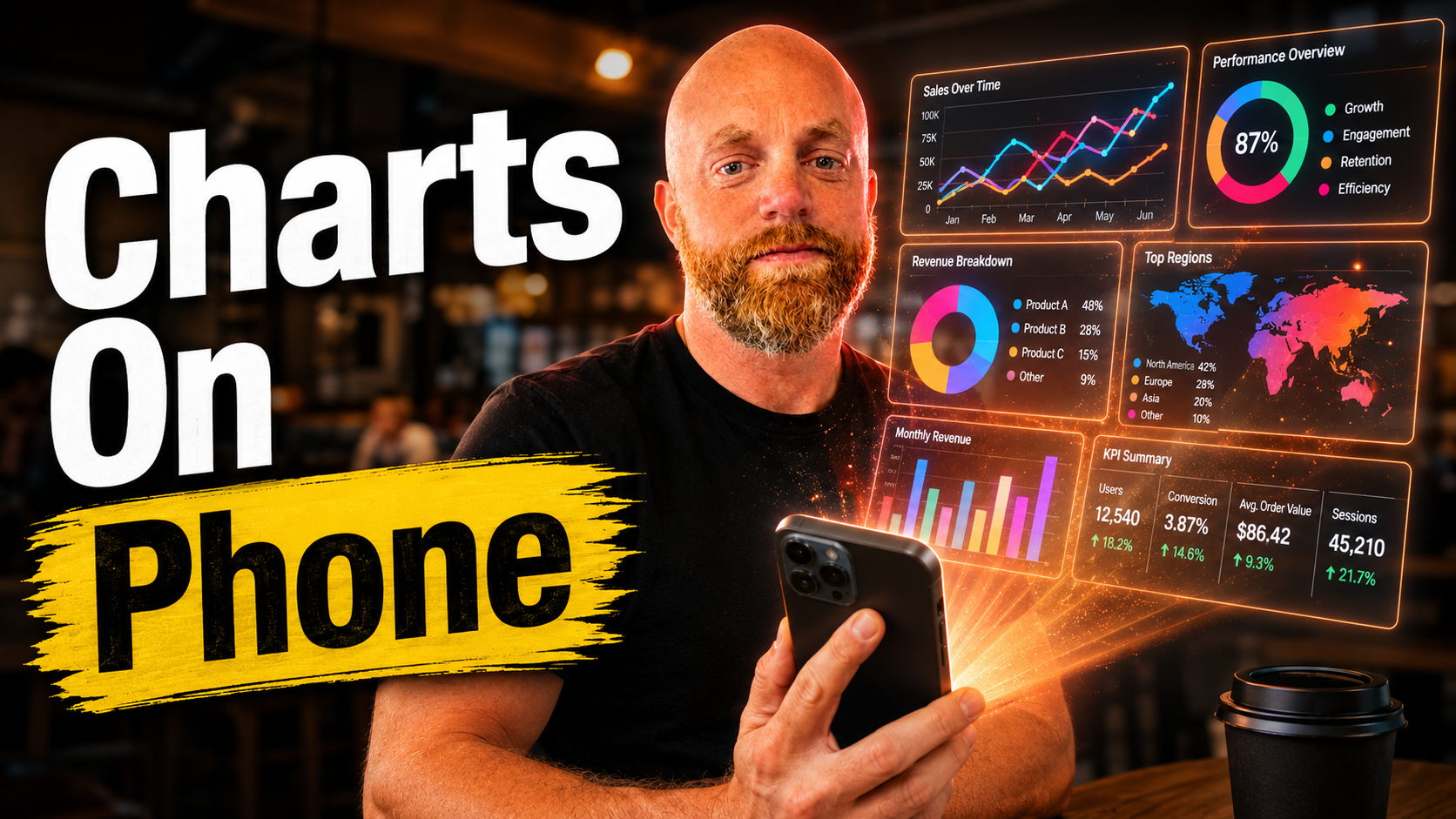
Claude Mobile Is Starting to Feel Like a Real Work Surface
I used to treat Claude on my phone like a lighter version of the real thing.
Good for quick questions. Useful for drafting. Not where I expected to make anything visual.
Interactive apps on mobile change that.
If Claude can build a chart, diagram, or shareable visual directly inside the mobile conversation, the phone stops being only an input device. It becomes a small work surface.
Why This Is Useful
A lot of work questions happen away from the desk.
Someone asks for a breakdown in a meeting. A client texts a question. You are looking at numbers and want to see the shape of them, not read another paragraph.
Before, the answer was usually "I'll send something when I get back to my laptop."
Now you can ask for the visual right there.
"Chart Q1 revenue by product."
"Diagram the lead-to-close workflow."
"Show the tradeoff between these three options."
That is useful because the output is closer to the question.
The Real Shift
The distance between thinking and making keeps shrinking.
Desktop artifacts already did this. Mobile makes it feel different because the moment usually would have died there.
You have the thought while waiting for coffee. You sketch the system. You send the visual. No context switch. No opening a separate tool. No "later."
That can be genuinely helpful.
It can also make every idle minute feel like it should become work.
That is the boundary to watch.
How I Would Use It
I would use it for first-pass visuals:
- Quick charts
- System diagrams
- Process flows
- Decision maps
- Client explanations
- Draft visuals for a longer write-up
I would not treat mobile as the final QA surface for anything important. Small screens hide problems. Review important visuals on a real display before publishing or sending to a big audience.
The Habit
Next time you are about to explain a process in a wall of text, ask Claude to diagram it first.
Even if the first version is rough, it gives you something to react to.
That is the value of these tools most of the time. Not perfect output. Faster material to shape.
Claude mobile is no longer just where I send myself ideas.
It is becoming a place where the idea can turn into something useful before it goes cold.