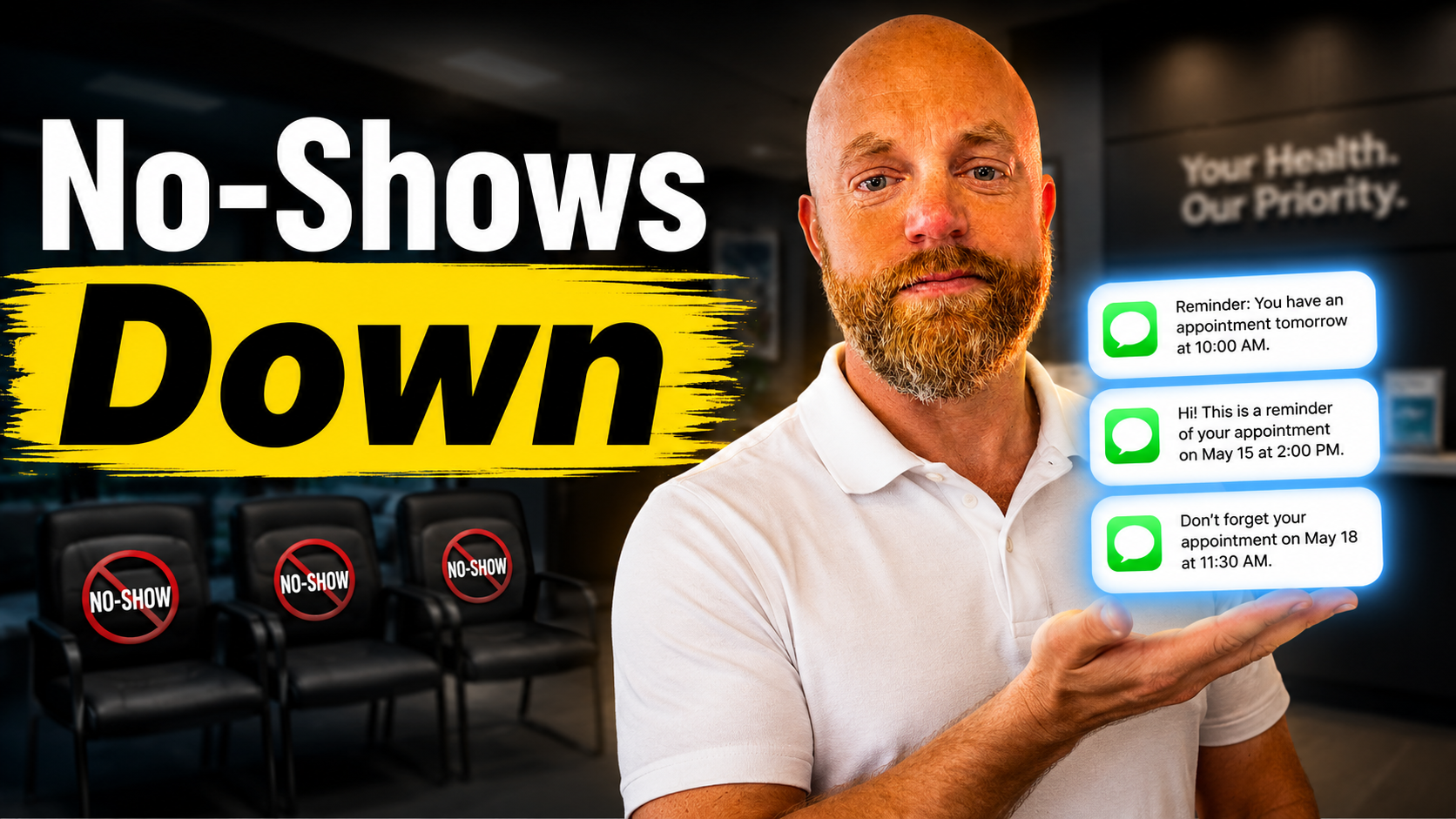
The 3-Text Sequence That Cuts No-Shows By 80% (And Costs $30 Per Month)
> cat ./blog/three-text-sequence-cuts-no-shows-80-percent-costs-30-per-month

The 3-Text Sequence That Cuts No-Shows By 80% (And Costs $30 Per Month)

Apr 26, 2026/6 min read
#automation#customer retention#sms marketing#appointment scheduling

You sent the quote. They said yes. You scheduled the appointment.

Then Tuesday comes and your 2 PM slot sits empty. No call, no text, no show.

A salon with 25 weekly appointments at $65 each and 15% no-show rate loses $31,187 per year. The U.S. healthcare system loses $150 billion annually to this same problem. But here's what most business owners don't know: the single most effective tool reduces no-shows by up to 90%. Send the first reminder 24 hours before, a second 2 hours before, and include a one-tap cancellation link.

I'm going to show you the exact three-message sequence that works, the specific tools to set it up, and the real pricing from companies using it right now.

Why Your Current Reminder System Fails

The rate of patient no-shows in the U.S. healthcare system varies widely, falling between 5.5% and 50%, while the global average sits at 23.5%. But those numbers tell only half the story. Patients with a single no-show have an attrition rate of nearly 70% compared to those who never have a no-show and have an attrition of just 19%. Patients with one or more no-shows are less likely to return to the practice within the following 18 months.

You don't just lose the appointment. You lose the customer.

One of the most common reasons for no-shows is customers don't get appointment reminders calls and forget their appointments. If they do get reminded, it's usually over email, not over the phone. This is why call and text reminders are such a powerful way to reduce no-shows.

The problem isn't that customers don't want to show up. The problem is your reminder hits their inbox while they're thinking about dinner, or your voicemail gets buried under spam calls they never check.

The 24-Hour + 2-Hour Rule That Actually Works

With a 98% open rate, SMS reaches clients instantly. But timing matters more than the channel. Here's the sequence that works:

First reminder: 24 hours before Close enough to be memorable, far enough that plans have not changed. This is your confirmation request. "Hi Sarah, confirming your kitchen consultation tomorrow at 2 PM at 123 Main Street. Reply C to confirm or call to reschedule."

Second reminder: 2 hours before Final reminder catches last-minute changes and confirms attendance. "Sarah, see you in 2 hours for your kitchen consultation. Running late? Call us at (555) 123-4567."

The cancellation link Offer multiple ways to cancel: reply to SMS, click a link, or call. When it's easier to reschedule than to ghost, cancellations replace no-shows - and you can fill the slot from your waitlist.

I learned about this sequence from GoReminders customer data. No show appointments have been reduced by 80% when businesses implement it correctly.

Real Tools, Real Pricing, Real Setup

GoReminders: The straightforward choice Starting Price: $30/month (Starter Plan) — or get 2 months free when you pay yearly. GoReminders offers easy-to-use appointment reminder software for small businesses. Send personalized emails, text messages, or both — even while you're sleeping. It's the perfect appointment management software, and you can set it up in just a few seconds.

Setup: Connect your Google Calendar or Outlook in under five minutes. Type your reminder message once. GoReminders handles the rest.

Appointment Reminder: For the control freaks Plans from $29/month. Customize timing, message content, and frequency per appointment type. Clients confirm with a single reply.

The one failure mode I've seen: letting custom messages go stale. You write the perfect reminder in January, then never update it. By June, you're still texting about "this cold winter weather."

Apptoto: The feature-heavy option Trusted by over 3,000 companies, Apptoto has been waging war against no-shows since 2010. Send automated appointment reminders, confirmations, and follow-ups by text, email, or phone call. Replies update your calendar instantly.

Pricing isn't listed publicly, but customer reviews mention it's more expensive than the first two options. The tradeoff: more integration options and deeper analytics.

Calendly + Zapier: For the DIY crowd If you want SMS notifications, they're available on Calendly's Standard plan ($10 per user per month). Calendly also integrates with Zapier so you can send text reminders to clients through your preferred platform. For example, if you use Quo, you can use these Zaps to send confirmation and appointment reminder texts.

This route takes more setup time but gives you complete control over the workflow.

The Numbers That Justify The Cost

Let's run the math on a small service business:

  • 20 appointments per week at $150 average
  • Current no-show rate: 20% (4 missed appointments weekly)
  • Lost revenue: $600 per week, $31,200 per year

With an 80% reduction in no-shows:

  • New no-show rate: 4% (less than 1 missed appointment weekly)
  • Recovered revenue: $480 per week, $24,960 per year
  • Tool cost: $360 per year (GoReminders at $30/month)
  • Net gain: $24,600

The ROI is 6,833%. You make back the software cost in the first week.

Each no-show costs about $200–$375. A single provider can lose $38,400 annually from missed appointments. Even cutting that loss by half pays for reminder software for the next decade.

What Actually Happens When You Set This Up

Most business owners expect immediate perfection. Here's what really happens:

Week 1: You get the software connected to your calendar. Messages go out automatically, but you're still checking every appointment to make sure it worked.

Week 2-3: You see your first major difference. Instead of surprise no-shows, you get advance cancellations you can backfill. Your calendar starts looking more predictable.

Month 2: You stop thinking about it. The system runs itself. You realize you haven't manually called a reminder in weeks.

Month 3: You notice you're booking appointments closer to capacity because you trust that people will actually show up.

The biggest gotcha: customer phone number quality. If half your contact list has disconnected numbers or landlines, no reminder system will save you. Clean up your database first.

Beyond Reminders: The Follow-Up Sequence

Once you have the basic reminder system working, add the review request automation. Send Google review requests via SMS after appointments. More reviews improve local SEO, attract better clients, and naturally reduce no-show rates over time.

The timing: 2 hours after the appointment ends. "Hi Sarah, thanks for choosing us for your kitchen consultation. How did we do? Leave us a review: [link]"

Customers who leave reviews become repeat customers. Repeat customers rarely no-show.

The One Thing Most Businesses Get Wrong

Nobody likes generic, robotic texts. Use your customer's name, appointment time, or even a friendly note about their last visit. Message personalization increases the chance they'll read and respond, and it shows that you care. Even a small touch can make a big difference in engagement.

"Appointment tomorrow at 2 PM" gets ignored. "Hi John, see you tomorrow at 2 PM for your brake service on the Honda Civic" gets read.

Most reminder tools auto-populate names and appointment details. Use them.

The three-message sequence isn't magic. It's just consistent communication that reaches people where they actually pay attention. 67.3% of patients prefer to receive appointment reminders via text message, and 86% of Americans only answer calls if they recognize the caller. Work with customer behavior, not against it.

You've already won the hard part: getting someone to book with you. Don't lose them to a forgotten calendar notification.

Hit me up at /contact if you want to argue about message timing or share your own no-show horror stories.