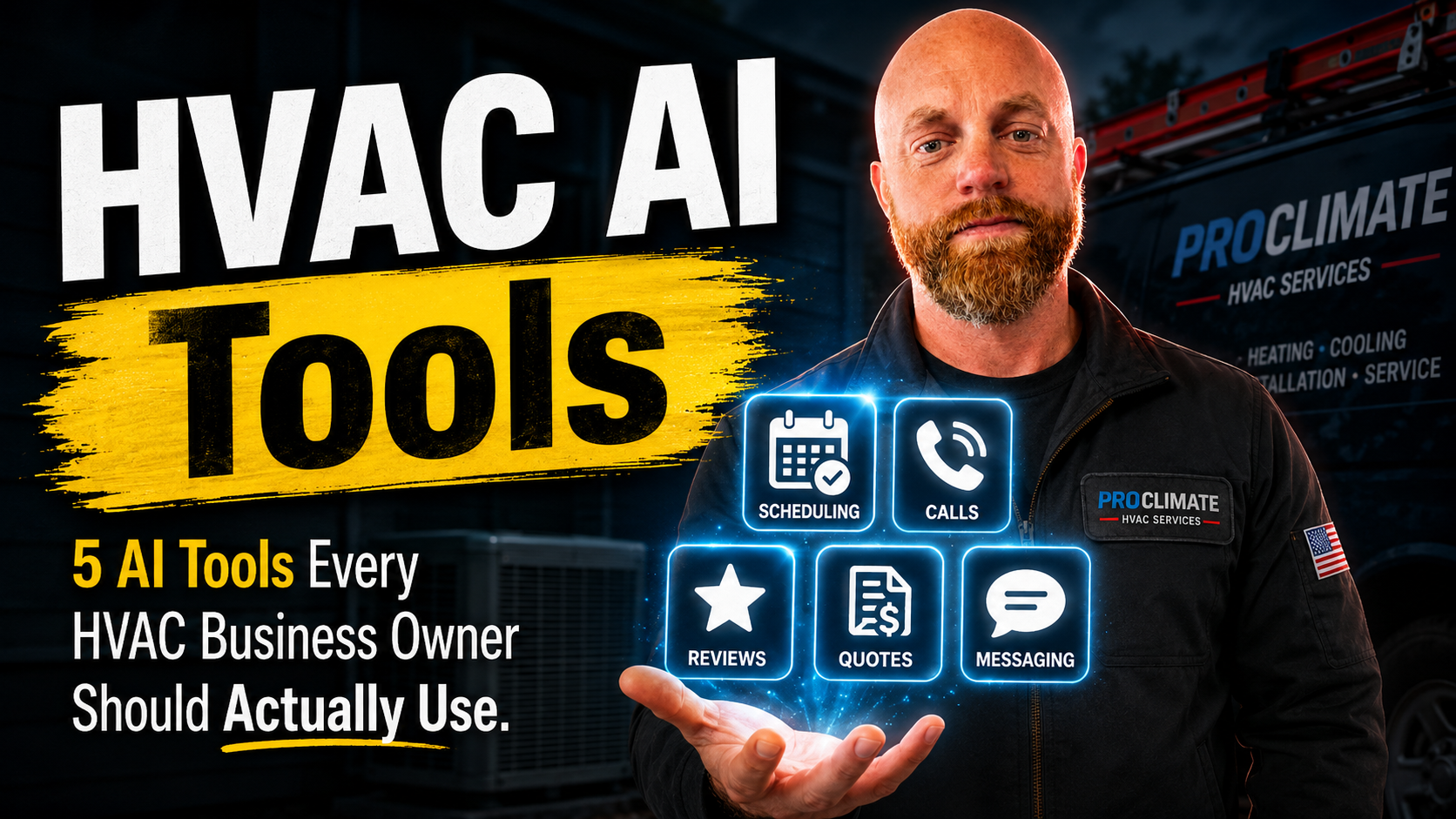
5 AI Tools I Would Actually Set Up for an HVAC Business
This is not a list of diagnostic apps for techs.
Those have their place, but they are not usually where the owner is losing the week. The owner is losing it to missed calls, quote follow-up, scheduling, reviews, and notes that never make it back into the system.
So if I were setting up AI for an HVAC business, this is where I would start.
1. Call Answering
If the phone goes to voicemail, a real chunk of those callers are gone.
An AI voice agent can answer after hours, catch overflow during the day, collect the problem, confirm the service area, and either book the call or send a clean summary to the owner.
The setup matters more than the vendor. The agent needs to know your service area, emergency rules, scheduling constraints, and the difference between a tune-up, no-cool call, and replacement lead.
I wrote more about the setup problems here: AI voice agents for small business.
2. Quote Follow-Up
A quote that does not get followed up is basically an expensive draft.
The system should send a short text or email after the quote goes out, then a second and third nudge if the customer stays quiet. It should stop the second they reply.
Nothing weird. Nothing pushy.
"Hey Sarah, just checking on the AC replacement estimate I sent over. Any questions I can answer?"
That is enough to bring a lot of quiet jobs back to life.
3. Review Requests
Reviews drive local search. Everybody knows this. The problem is asking consistently.
The cleanest workflow is tied to job completion. When the job closes, the customer gets a text a couple hours later with the tech's name, the service performed, and a direct Google review link.
The copy matters. "Please leave us a review" is forgettable. "Glad we got the AC cooling again today. If the visit went well, would you mind leaving a quick Google review for Mark?" feels like a person sent it.
4. Call Summaries
This is the quiet one.
Every call creates details: what the customer said, what was promised, what needs to happen next. By the end of a long day, those details blur.
AI call summaries turn the conversation into a short note with the job type, concern, promised follow-up, and next action. That note can land in the CRM or get texted to the owner.
Consent laws vary, so set this up carefully. But the workflow itself is useful.
5. Scheduling Support
Most scheduling tools show open slots. That is only part of the problem.
The better version accounts for job type, tech availability, drive time, and buffer. If the call agent can book directly into that system, the customer does not have to wait for a callback just to get on the calendar.
This does not have to be fancy on day one. Even simple rules around service area and appointment windows can remove a lot of back-and-forth.
What I Would Not Do First
I would not start with five tools at once.
Start where money is leaking fastest:
- Missed calls
- Quote follow-up
- Review requests
Those three touch revenue directly. Call summaries and smarter scheduling make the operation cleaner once the first layer is working.
The flashy AI tools will keep getting attention. Fine. The boring ones are the ones that answer the phone, follow up on the quote, and ask for the review while everyone else is trying to remember later.
If you want help deciding what to turn on first, send me what you use for scheduling and quoting. I will tell you where I would start.