Claude Code Channels Turns Your Phone Into a Remote Code Writer
> cat ./blog/claude-code-channels-mobile-coding-workflow-game-changer

Claude Code Channels Turns Your Phone Into a Remote Code Writer

Mar 21, 2026

This Changes Everything About Remote Development

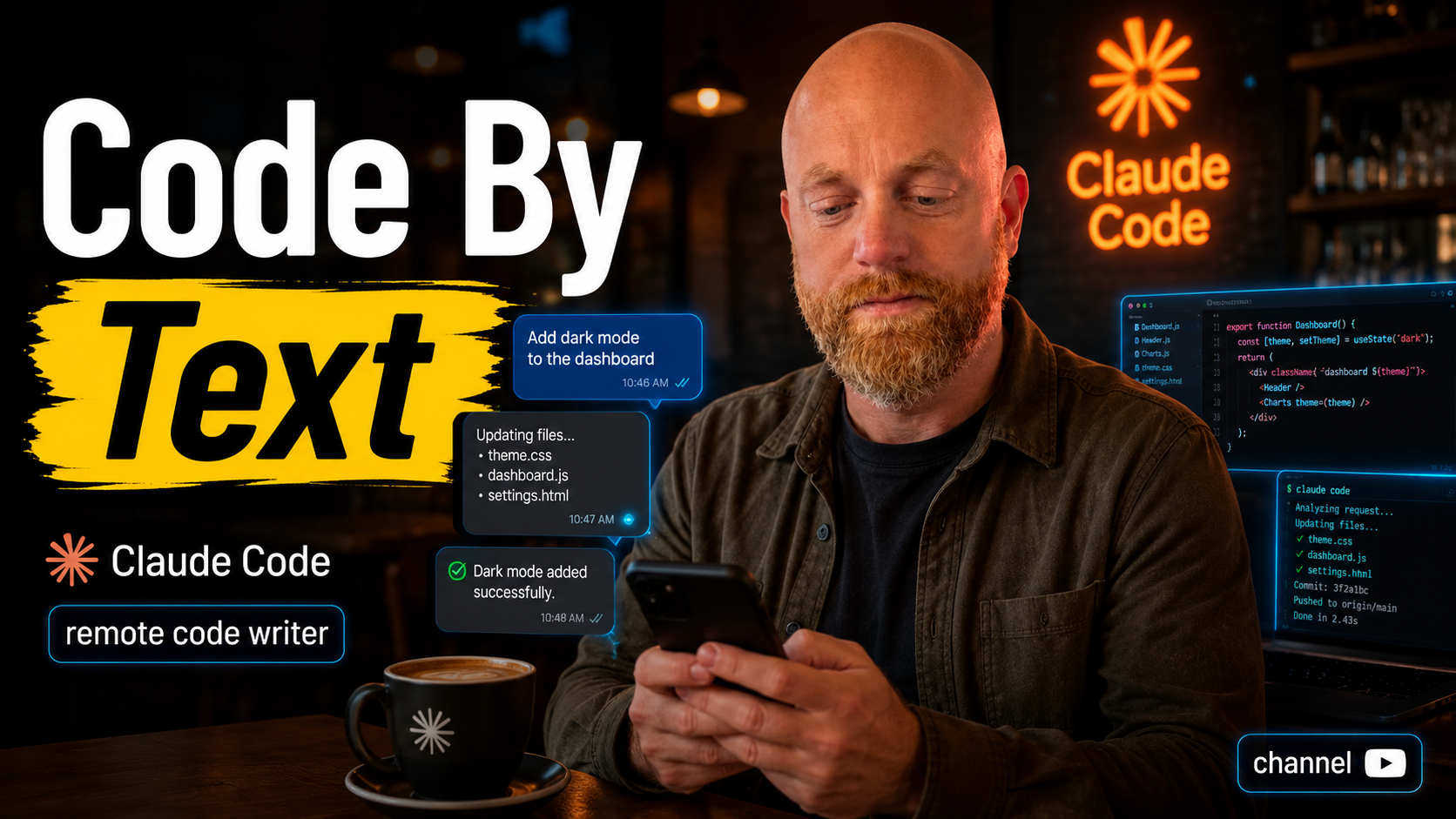
Claude Code Channels just shipped and it's the first AI coding tool that actually works like having a remote developer on call. You message a bot from your phone, and Claude writes code on the machine sitting at your desk.

I set it up within an hour of the announcement. Messaged the bot from a Starbucks: "Fix the authentication bug in the user service." Watched it push a commit to my GitHub repo twenty minutes later. The code was correct.

This isn't just another chatbot integration. It's asynchronous AI development.

Updated for 2026: What's Changed Since Launch

Six months in, Channels has picked up features that weren't in the original release. Here's what's different if you're setting it up today.

Persistent session threads. Each Discord channel now maps to a persistent Claude Code session. You can pin a channel to a specific branch or feature and the context survives across days. No more re-explaining what you're working on every morning.

Slash commands from mobile. The same slash commands that work in Claude Code locally now work from your phone. /review, /test, /commit — all of it. You can trigger a full review pass on an open PR while walking the dog.

Repo map awareness. Channels now reads your CLAUDE.md and repo structure on startup, so a well-organized codebase gets dramatically better results. If your setup is messy, mobile work compounds the problem. My Claude Code project structure guide covers exactly how to set this up.

Webhook triggers. You can now wire Channels to GitHub webhooks so a new PR comment or failing CI run automatically pings the bot for a first pass. I use this to catch type errors before I even open my laptop.

Mobile-First AI Development Actually Works Now

Every other AI coding tool requires you to be at your development machine. Claude Code Channels runs on your server and connects to Discord or Telegram. You can trigger code changes from anywhere.

I tested three scenarios:

  • Messaging from my phone during lunch to fix a production bug
  • Asking it to implement a feature while commuting
  • Having it run tests and deploy while I was in a meeting

All three worked. The bot maintains context across conversations, so you can have ongoing discussions about your codebase without starting over each time.

The setup takes about 10 minutes if you already have Claude Code running. Add your Discord bot token, connect the channels, and you're messaging your development environment from anywhere.

Three 2026 Workflows That Changed How I Work

The commute code review. Open PR on my phone, drop the URL into the channel, ask for a review against my style guide. By the time I'm at my desk, I have a clean list of issues to fix. Cuts PR review time by more than half.

The meeting bug fix. Someone reports a bug in Slack during a meeting. I forward it to the channel with "reproduce and fix if you can." Half the time, there's a passing commit by the time the meeting ends.

The grocery-store feature. I'll get an idea mid-errand and drop it into a dedicated "ideas" channel. The bot scaffolds a branch, writes a rough implementation, and opens a draft PR. I review it later when I have proper focus time.

None of these were possible with the original release.

This Kills Self-Hosted AI Coding Setups

Most developers building mobile AI workflows end up with complex self-hosted solutions. SSH tunnels, VPNs, custom APIs. Claude Code Channels eliminates all of that.

You get the full Claude Code experience through messaging apps you already use. No custom mobile apps. No browser tabs. Just message the bot like you'd message a colleague.

The real advantage is continuity. Your development context stays alive on your server. You can start a conversation about refactoring a module, go to a meeting, and pick up exactly where you left off hours later.

The Gotcha Nobody's Talking About

Claude Code Channels requires your development machine to stay online and connected. If your laptop closes or your internet drops, the bot goes offline.

This works best with a dedicated development server or cloud instance. Running it on your local machine means you can't fully disconnect from your workspace.

Also, message-based development takes getting used to. You can't see the code being written in real-time. You describe what you want, wait for the commit, then review the changes in your IDE or on GitHub.

Some developers will hate this. Others will find it liberating.

What This Actually Means for Your Workflow

If you're already using Claude Code, set up Channels this week. The mobile workflow becomes addictive once you experience it. Start with a well-structured repo — if your CLAUDE.md and folder layout are vague, the bot will produce vague work. My setup guide for Claude Code is the prerequisite, not an optional extra.

If you're not using Claude Code yet, this makes it worth trying. Being able to code from your phone changes how you think about development time. Waiting for coffee becomes debugging time. Commutes become feature implementation time.

The future of AI coding isn't better IDEs. It's turning every moment into potential development time.

If this changes how you're building, I want to hear about it.