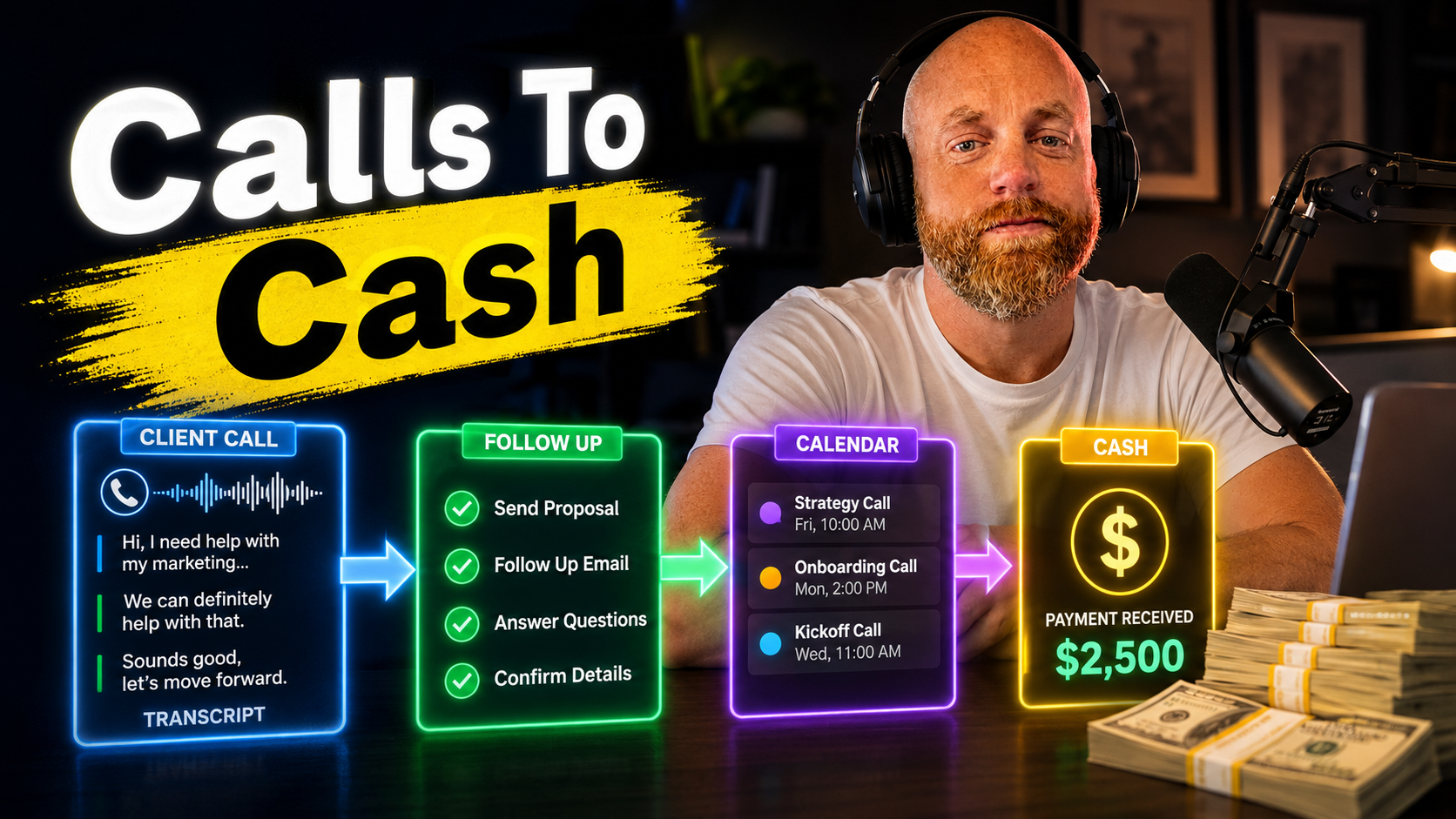
AI Call Summaries Are Only Useful If They Trigger Follow-Up
I do not care much about a beautiful meeting summary if it just sits in another folder.
The useful version is smaller and more boring. A client call ends. The important promises get pulled out. The next steps land somewhere you will actually see them. The follow-up happens before the client has to ask.
That is where AI call summaries start to matter.
The Real Problem
Most client calls create tiny obligations.
- Send pricing by Friday
- Check on a timeline
- Ask the client for one missing file
- Follow up on an idea they mentioned for later
- Flag the concern that sounded small but probably was not
None of those feel urgent when the call ends. Then the day keeps moving. By next week, the client remembers what you promised better than you do.
That is not a note-taking problem. It is a follow-up problem.
What the Summary Should Capture
The summary should not try to be a transcript with nicer formatting. I want four things:
- What changed
- What was decided
- Who owes what
- What needs to happen next
If the tool gives me those four things, it is useful. If it gives me six paragraphs of polished meeting recap, I still have work to do.
Tools I Would Actually Compare
Fathom is the easiest place to start if you want quick summaries and do not mind a bot joining the meeting. It is strong for solo operators and teams that want fast notes without a heavy setup.
Fireflies makes more sense when the summary needs to move into other systems. CRM updates, Slack notes, project management tasks, that kind of thing. The integrations are the reason to use it.
Fellow is the one I would look at for sensitive calls. Botless recording and stronger sharing controls matter when the client would be distracted by a visible recording assistant.
The tool choice matters less than the workflow after the call.
The Setup I Like
Start with one meeting type. Monthly client check-ins are usually the best test.
Build a simple template:
Decisions:
Action items:
Client concerns:
Expansion signals:
Next follow-up:
Then route the output somewhere real. Not "saved in the app." Real.
- Action items into your task manager
- Client concerns into the CRM
- Follow-up dates onto the calendar
- Expansion ideas into a list you review weekly
Do that for ten calls before you add more complexity.
The Part People Skip
You still need a review rhythm.
Once a week, open the action items from last week's calls and check what moved. That is the whole system. If something is overdue, follow up. If the same concern shows up across multiple calls, fix the actual issue.
AI is good at catching what was said. It is not responsible for caring about the relationship after the meeting ends. That part is still yours.
The Win
The win is not "I have cleaner notes."
The win is that clients stop hearing "sorry, I forgot to send that." The win is that small expansion opportunities do not disappear. The win is that every call leaves a trail your future self can use.
If your calls are already creating follow-up work and it keeps leaking out of your week, send me the current setup. I can usually tell pretty quickly where the missing handoff is.