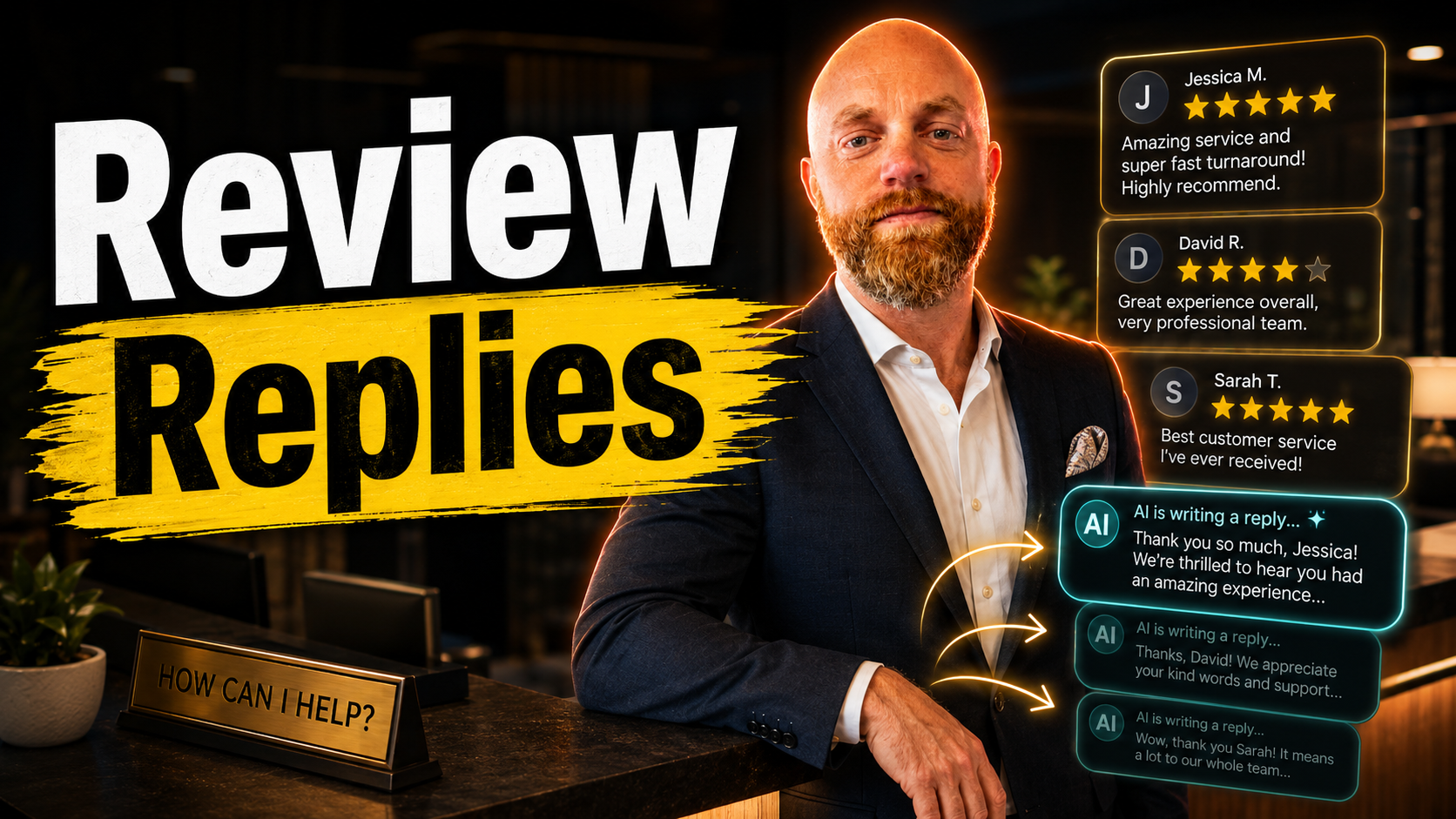
Replying to Reviews Should Not Be a Monthly Guilt Spiral
Reviews are one of those chores that sit in the back of your head.
You know you should reply. You know people read the replies. You know Google notices activity on your profile. Then the day gets busy and the review sits there for three weeks.
AI review tools are useful because they remove the blank page. They do not remove your responsibility to sound like a real business owner.
Why This Gets Ignored
A good review reply takes longer than it looks.
You read the review, figure out what they are really saying, thank them without sounding canned, and decide whether anything needs to be fixed internally. Five minutes here, seven minutes there, and suddenly "reply to reviews" becomes another admin task you avoid.
That is how businesses end up with great reviews and no replies.
Where AI Helps
The best use case is simple:
- A new Google review comes in
- The AI reads the whole thing
- It drafts a specific reply
- You approve, edit, or hold it
For a five-star review, that can be almost automatic. If someone mentions the tech showed up on time or the food was great, the reply should mention that exact thing back.
For a three-star or one-star review, I would not auto-post anything. Let the tool draft, but keep a person in the loop. Negative reviews are customer service, not content generation.
Tools Worth Looking At
Reply Champion, ReplyWithCare, and RenewLocal all aim at the same basic problem: make review replies fast enough that you actually do them. Enterprise tools like Birdeye make more sense for multi-location businesses with a broader reputation workflow.
For most small businesses, the fancy part is not necessary. You need monitoring, a decent AI draft, and a clear approval queue.
ChatGPT can help if budget is tight, but the copy-paste workflow gets old fast. The missing piece is the integration with your Google Business Profile.
The Rule I Would Use
Set the automation level like this:
- 4-5 star reviews: draft immediately, optionally auto-post after you trust the tone
- 3 star reviews: draft, but hold for approval
- 1-2 star reviews: notify a human before anything gets posted
That keeps the easy work moving and gives the sensitive stuff the attention it deserves.
Keep the Voice Specific
Bad review replies all sound the same.
"Thank you for your feedback. We value your business."
Nobody believes that. It reads like a receipt.
Better:
"Thanks for coming in, Sarah. Glad the team got you seated quickly. I hear you on the wait for drinks too. We are tightening that up on weekend nights."
Same job. Totally different feel.
The Maintenance Part
Review the AI output once a month. Add new instructions when your business changes. If you keep seeing the same awkward phrase, remove it from the style guide. If a new service line launches, add that context.
The tool should sound like your business on a good day. Not like a corporate apology generator.
Replying to reviews will probably never be your favorite task. Fair. But it should not be the thing you remember at 10 PM and feel vaguely bad about.
Set the system up once. Keep the judgment calls human. Let the routine replies stop piling up.