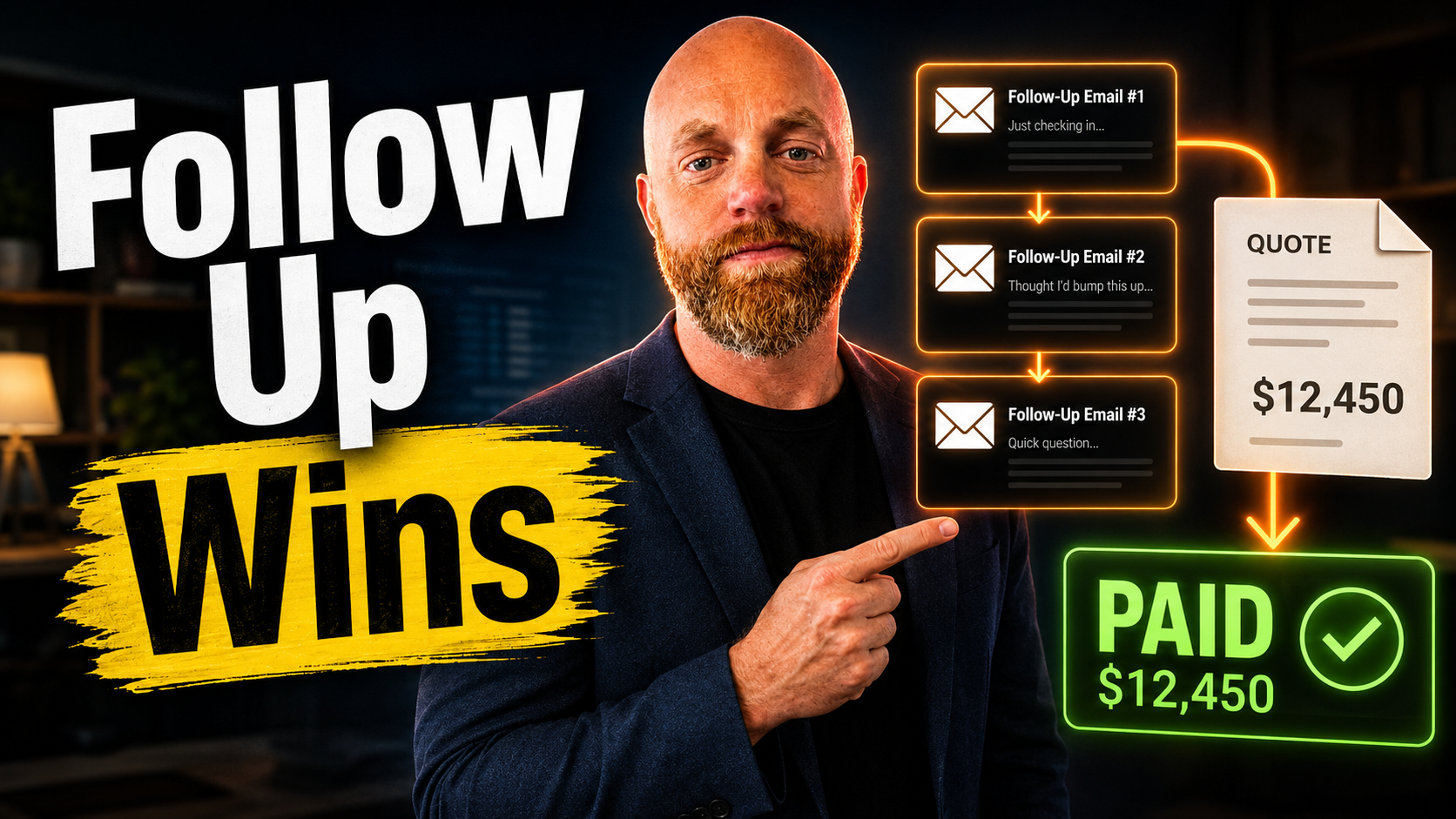
Three Follow-Up Emails Just Turned Your Quote Into Revenue
Your quote sits in their inbox. They meant to respond but got pulled into a meeting. Now it's Tuesday, and they've forgotten entirely.
This happens 70% of the time. Most salespeople stop following up after four attempts, but 80% of successful sales require at least 5 to 12 follow-ups after the initial contact. The math is brutal: you're losing deals not because your quote was wrong, but because you stopped trying.
Auto-follow-up changes this. Set it up once, and every quote gets the persistent attention it deserves without you lifting a finger.
Why Manual Follow-Up Fails at Scale
I've watched contractors send perfect quotes and then wait. Two weeks later they call asking, "Did you get my quote?" The client says yes, they're still thinking. Another week passes. Now the urgency is gone.
Only 22% of businesses are satisfied with their conversion rates. That means nearly four out of five companies see significant room for improvement in turning prospects into customers.
The failure isn't your quote. It's the gap between sending and closing.
Manual follow-up breaks because:
- You forget who to contact when
- Each follow-up feels like starting over
- Timing gets random instead of strategic
- Volume overwhelms your memory
Well-executed cold outreach sees 2%+ conversion to meeting rates, with 5%+ being exceptional in most B2B settings. But those numbers assume consistent follow-up. Miss the follow-up, miss the conversion.
The Three-Email Sequence That Works
By 2026, customers expect quotes to be provided on the same day as the request, and they require transparent prices and professionally prepared proposals. But speed isn't enough. You need structured persistence.
Here's what converts:
Email 1 (3 days after quote): "Quick question about the [specific service] quote I sent Tuesday. Any initial thoughts?"
Keep it short. No attachments. Just checking temperature.
Email 2 (7 days after quote): "I know you're busy evaluating options for [project]. Happy to walk through any questions on pricing or timeline. When works for a quick call?"
Now you're offering help, not pushing for an answer.
Email 3 (14 days after quote): "Following up one last time on the [project] quote. If timing isn't right now, I'll circle back in [30/60/90] days. Otherwise, let me know what questions I can answer."
This creates urgency without burning the bridge.
Want to get a 52% increase in response rate from your cold outreach emails? The only way to do that is with a sequence of automated outreach emails.
Tools That Handle This For You
QuoteIQ InstaQuote + Email Automation
Email & Text Automation: Send automated follow-ups, discounts, & more. QuoteIQ lets customers create their own quotes, then automatically follows up based on their actions.
Best for: Service businesses (cleaning, landscaping, pressure washing) where quote-to-booking should be instant.
Price: Custom pricing, typically $100-300/month depending on volume.
Setup: Connect your service catalog, set follow-up timing, activate QR codes for marketing materials.
Jobber with Built-In Follow-Up
Jobber positions quoting around approvals and automated follow-ups. Use Jobber if you want an all-in-one that keeps quoting and jobs tightly connected with minimal complexity. Quote approvals and follow-ups are first-class.
Best for: Field service businesses that need quotes to convert directly into scheduled jobs.
Price: $49-169/month per user depending on features.
The gotcha: Works great until you need complex pricing rules or multi-location approvals. Then it gets restrictive.
ActiveCampaign + Zapier Integration
With features like site tracking, conditional logic, and machine learning-based lead scoring, ActiveCampaign delivers highly targeted follow-ups that drive conversions. Starts at $29/month for 500 contacts.
Setup process:
- Connect your quoting tool (QuickBooks, FreshBooks, etc.) to Zapier
- Create ActiveCampaign automation triggered by "quote sent"
- Build your three-email sequence with delays
- Add conditional logic: if they reply, remove from sequence
Best for: Businesses already using separate quoting and CRM tools who want powerful automation without switching platforms.
The maintenance reality: Zapier connections can break. Check monthly.
Instantly.ai for High-Volume Follow-Up
Instantly uses flat-fee pricing starting at $47 per month with unlimited email accounts. Compare that to tools charging $50 to $160 per user and the math changes fast. For agencies managing 20+ client inboxes, flat fees save thousands monthly.
Best for: Agencies or businesses sending 100+ quotes per month who need serious automation horsepower.
Setup: Upload quote recipients, create email sequences, connect unlimited sending accounts.
The learning curve: More complex than plug-and-play options, but infinitely more powerful.
Setting Up Your First Automation
Start simple. Pick one tool and create one three-email sequence.
The biggest mistake is over-engineering. You don't need 12-step sequences or complex conditional logic. You need three emails that go out automatically after you send a quote.
Week 1: Set up the automation with placeholder text Week 2: Replace placeholder text with your actual follow-up messages Week 3: Test with a few quotes Week 4: Analyze results and adjust timing
94% of businesses report a sharp increase in sales productivity after implementing a CRM system. This high percentage stems from the fact that CRMs are made to simplify most aspects of sales work.
The Numbers Don't Lie
I set up auto-follow-up for a roofing contractor last fall. Same quote quality, same pricing, same everything. Just added three automated emails.
Results after 90 days:
- Quote response rate: 34% (was 12%)
- Average time to decision: 8 days (was 23 days)
- Conversion rate: 28% (was 11%)
The work didn't change. The persistence did.
Send automated reminders that notifies the clients about the sent estimates, helping you stay on top of follow-ups and ensuring that estimates are signed faster.
Three emails. Automatic timing. No manual tracking. It's the difference between hoping they remember and making sure they don't forget.
If you want this kind of follow-up system built for your business instead of piecing it together yourself, that's what I do. Tell me what quoting tool you use and I'll tell you exactly what the setup looks like.