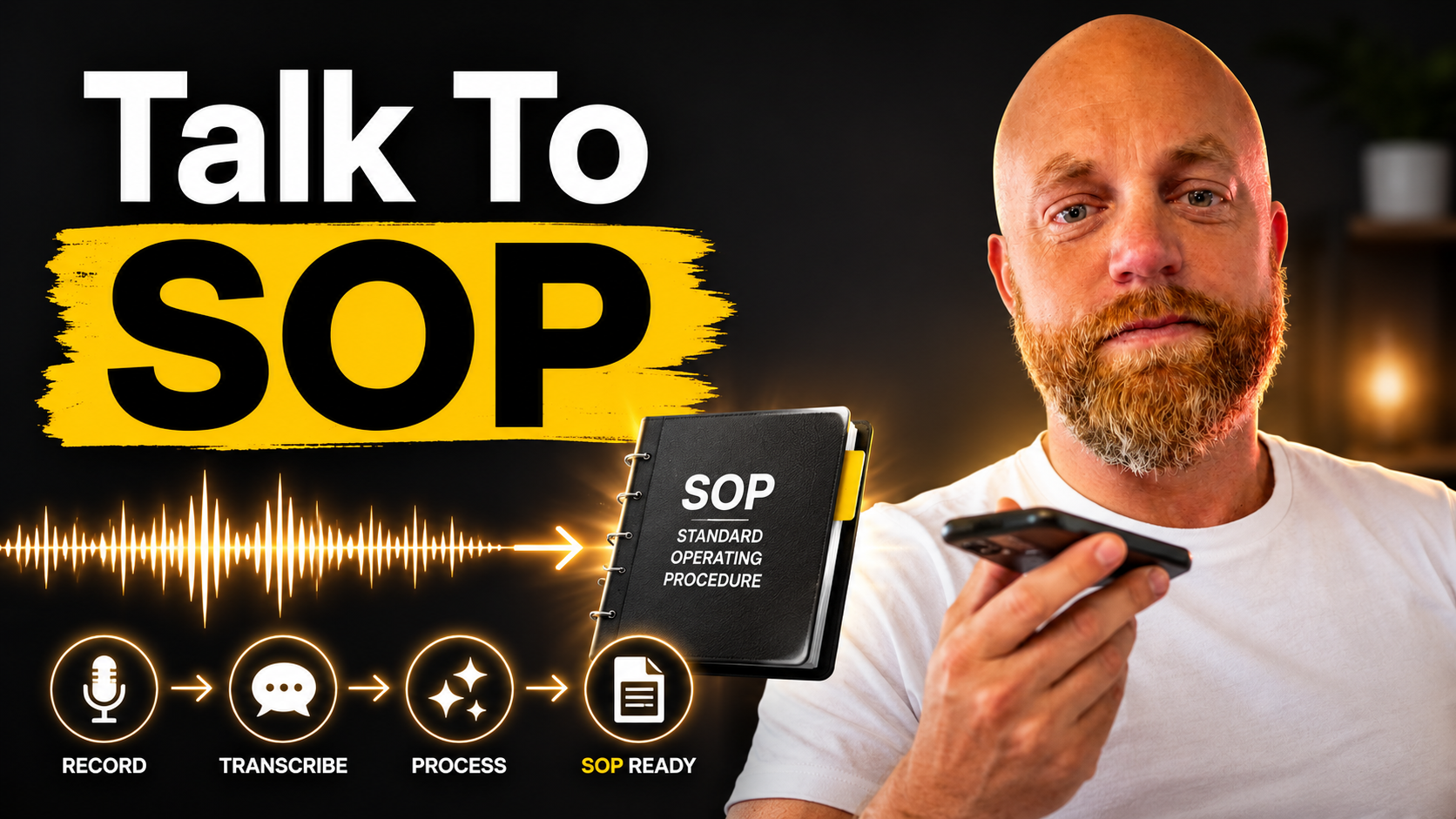
Your Voice Memo Just Became Your Best Employee Manual (In 10 Minutes, Not 10 Hours)
> cat ./blog/voice-memo-sop-standard-operating-procedures-10-minutes

Your Voice Memo Just Became Your Best Employee Manual (In 10 Minutes, Not 10 Hours)

Apr 26, 2026/6 min read
#SOP#documentation#voice transcription#small business efficiency

I watched a plumber friend struggle for months to document his emergency response process. Every time he sat down to write the SOP, he'd get three sentences in and remember six more steps he forgot. Two hours later, he'd have a half-finished document that didn't match what he actually did in the field.

Then he tried something different. He hit record on his phone while responding to an actual emergency call. Talked through every step as he did it. "First, I check the water meter to confirm it's not a municipal issue. Then I ask the customer three specific questions while I'm putting on my safety gear."

Ten minutes later, he had a complete walkthrough. Another five minutes with AI transcription tools, and he had a proper SOP that his new hire could actually follow.

89% of organizations report having documented SOPs, and those that do typically experience up to a 28% higher operational efficiency when procedures are followed correctly. But most small business owners never get there because traditional SOP writing feels impossible.

Voice memos change that equation completely.

Why Voice Beats Writing Every Time

Your brain works differently when you're talking versus typing. When you write, you edit as you go. You second-guess word choices. You reorganize paragraphs before you finish the thought.

When you talk, you explain things the way you actually do them. You mention the gotchas that only come from experience. You naturally include the context that makes procedures actually work.

The transcription tools available in 2026 handle this beautifully:

Tango added voice features in January 2026, where you simply talk through what you're doing, and Tango will remember what you said, generate step descriptions automatically, and place them on the correct steps. Takes screen recordings simultaneously, so your voice explanation syncs with visual steps.

Otter.ai costs $16.99 per month and handles real-time transcription with speaker identification. Perfect for processes that involve multiple people or when you need to capture conversations with customers or vendors.

VoiceToNotes offers a free option that transcribes and summarizes your voice recordings without sending any bot into your call. The platform only records when you actively start a session, and once the transcription is complete, your audio files are permanently deleted from their servers.

The accuracy is legitimately good. New models like Mistral's Voxtral Transcribe 2 and OpenAI's GPT-4o Transcribe have pushed word error rates below 4%, which means you'll spend more time editing for clarity than fixing transcription mistakes.

The 10-Minute SOP Method

Here's the process that's working for small business owners:

Step 1: Record while doing (5-8 minutes) Start your voice recorder before beginning the actual task. Don't perform for the recording. Just do the work and narrate as you go. "I'm checking the inventory system first because we had that issue last month where the counts were off."

Talk through your decision points. "If the client says X, I do Y. If they say Z, I skip to step four because that usually means they've already tried the basic fixes."

Step 2: Get the transcript (30 seconds) Upload to your transcription tool of choice. Most return results within 30 seconds for recordings under 10 minutes.

Step 3: Structure and edit (2-4 minutes) The transcript gives you raw material that's 80% there. Add headers, break long paragraphs into numbered steps, and clarify anything that sounds confusing in text form.

You're not writing from scratch. You're editing something that already contains all your actual knowledge and experience.

What Makes Voice SOPs Better

The SOPs that come from voice recordings include details that written procedures miss:

Timing cues: "While that's loading, I prep the next three steps." Written SOPs rarely capture these efficiency gains.

Error prevention: "I learned to double-check this screen because the system sometimes defaults to the wrong setting." These warnings only surface when you're actually doing the work.

Customer interaction: "I explain this part to the client so they understand why it takes 20 minutes." Voice naturally captures the communication elements that keep customers happy.

Seasonal variations: "In winter, I add an extra step because the equipment behaves differently in cold weather." Context that only emerges during real use.

The Maintenance Reality

Here's the part nobody talks about. SOPs go stale fast. Most experts recommend reviewing an SOP every six to 12 months because processes evolve, tools change, and you discover better ways to do things.

With voice-based SOPs, updates are actually manageable. Instead of rewriting entire sections, you record a quick 2-minute addition: "Update to step 7: we switched software in March, so now you click the blue button instead of the green one."

Append the new transcript to the existing document. Five minutes of editing, and your SOP is current again.

Real Numbers From Real Businesses

A local HVAC company started using this method for their seasonal prep procedures. Their previous written SOPs took 3-4 hours per procedure and were consistently incomplete. Technicians still called the owner with basic questions because the documents missed critical details.

Switching to voice recording: 15 minutes to document each procedure, including complex diagnostics that had never been properly written down. New technicians stopped calling for backup because the voice-generated SOPs included all the troubleshooting steps and context.

The owner's feedback: "I can finally get these procedures out of my head without spending my entire weekend writing manuals nobody follows."

Beyond Basic Documentation

Some tools are pushing further into workflow integration. Tango works especially well for onboarding new employees, training support or operations teams, documenting SaaS tools and internal workflows, or creating client-facing how-to guides. If your main goal is to create clear SOPs quickly, without adding another heavy system to manage, Tango is one of the most efficient tools available.

Scribe automatically screenshots each step and transcribes voice notes, creating comprehensive SOPs up to 93% faster than traditional methods.

For businesses that need compliance documentation, read-and-understand attestations are crucial for ISO 9001, ISO 13485, GMP, and other standards where "trained personnel" is a must, not a wish. Voice SOPs work perfectly here because they capture the full context that auditors look for.

Start With Your Most Critical Process

Don't try to document everything at once. Pick the one process that causes the most confusion when you're out of the office. The procedure that only exists in your head and creates bottlenecks every time someone else tries to handle it.

Record yourself doing it once. Transcribe it. Clean it up for 5 minutes.

You'll have an SOP that's more complete and accurate than anything you'd produce in a 2-hour writing session.

That success creates momentum. Document the next critical process. Then the next. Within a month, you'll have operational documentation that actually matches how your business works, created in minutes instead of hours.

Have a process that only lives in your head? Try recording it once instead of spending the weekend writing a manual. Drop me a line at /contact if you want to push back on the voice approach or share what's working differently in your business.